> ## Documentation Index
> Fetch the complete documentation index at: https://docs.jelou.ai/llms.txt
> Use this file to discover all available pages before exploring further.
# Introduction
> Jelou: the platform to build, operate, and scale AI agents with integrated human support.
## What is Brain Studio?
Brain Studio is Jelou's platform for creating AI agents, automating conversations, and managing customer support from a single place. It combines a visual low-code builder with operations tools for teams, outbound messaging, and multi-channel connectivity.
With Jelou you can:
* **Build** conversational workflows and reusable tools with a visual node editor.
* **Operate** human support from a unified multi-channel inbox.
* **Scale** your communications with outbound messaging campaigns via WhatsApp.
 ## Build with AI
### Workflows
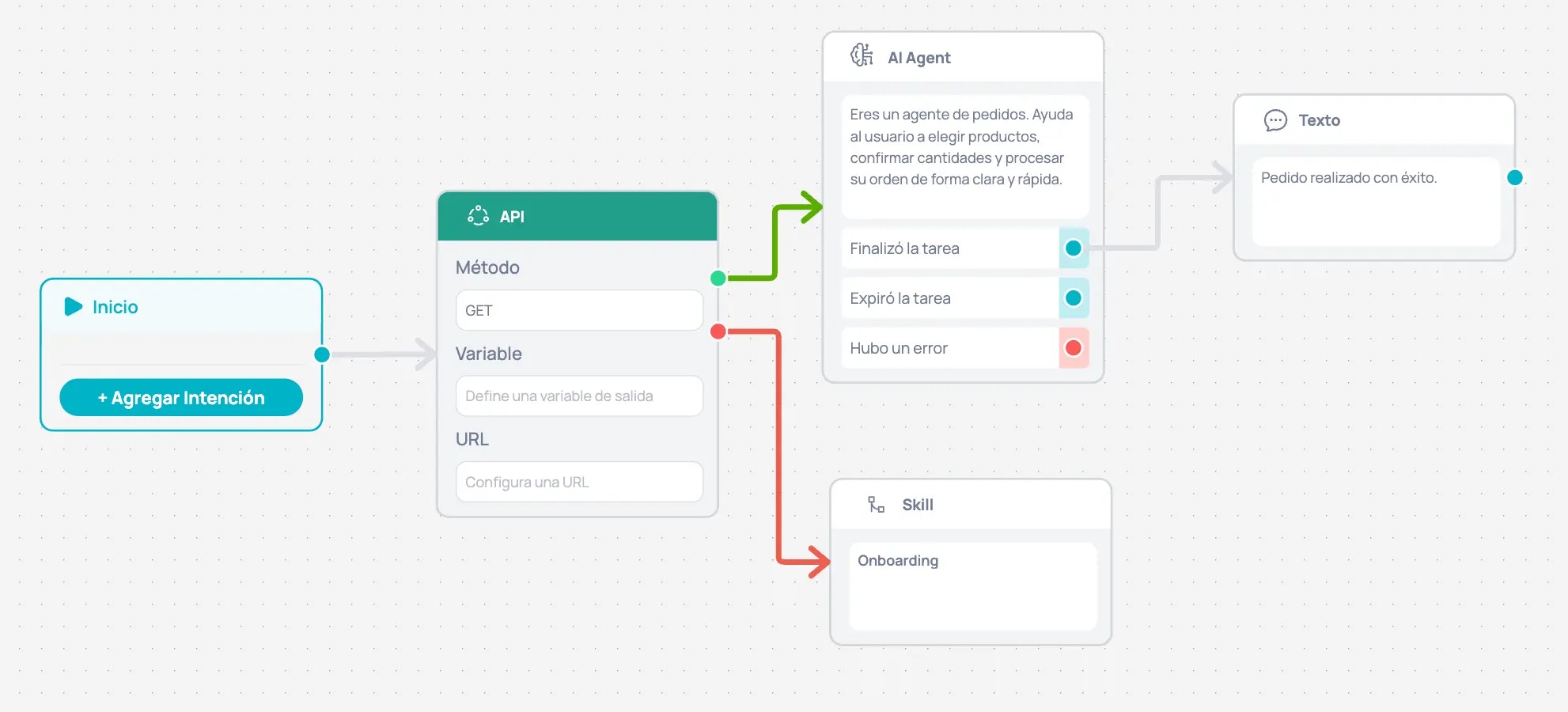
Workflows are conversational flows you program to interact with your users. Design dialogues, branch decisions, and orchestrate steps based on conversation context using visual nodes.
### Tools
Tools are reusable, synchronous functions. They execute tasks — integrate APIs, perform calculations, query data — and return a result without waiting for user responses. Invoke them from any Workflow to avoid duplicating logic.
### AI Agents
Configure intelligent agents that process messages, make decisions, and take actions autonomously. When the agent needs to escalate, it transfers the conversation with full context to your human team.
## Operate support
Jelou centralizes conversations from WhatsApp, Instagram, Facebook, and email into a single inbox where your team can:
* Handle multiple channels from one place.
* Look up and update customer data with the integrated CRM.
* Transfer cases between agents with full context.
* Configure automated messages, schedules, and routing rules.
## Build with AI
### Workflows
Workflows are conversational flows you program to interact with your users. Design dialogues, branch decisions, and orchestrate steps based on conversation context using visual nodes.
### Tools
Tools are reusable, synchronous functions. They execute tasks — integrate APIs, perform calculations, query data — and return a result without waiting for user responses. Invoke them from any Workflow to avoid duplicating logic.
### AI Agents
Configure intelligent agents that process messages, make decisions, and take actions autonomously. When the agent needs to escalate, it transfers the conversation with full context to your human team.
## Operate support
Jelou centralizes conversations from WhatsApp, Instagram, Facebook, and email into a single inbox where your team can:
* Handle multiple channels from one place.
* Look up and update customer data with the integrated CRM.
* Transfer cases between agents with full context.
* Configure automated messages, schedules, and routing rules.
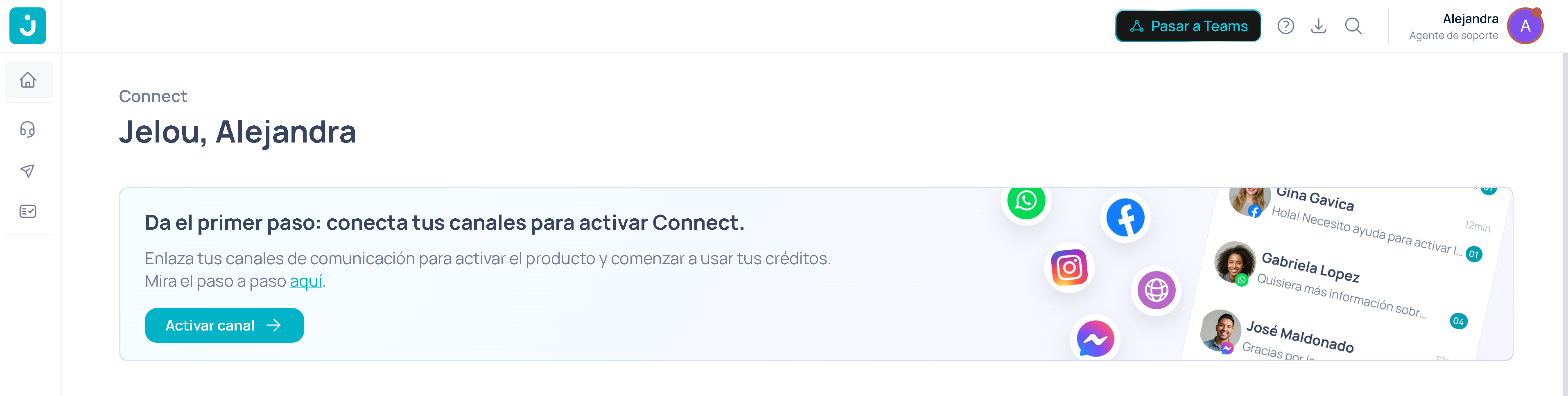 When an AI agent escalates a case, the human team receives the conversation with the complete history.
## Outbound messaging
Not every conversation starts with a customer message. With the campaigns module you can send proactive messages via WhatsApp using Meta-approved HSM templates: reminders, promotions, notifications, or follow-ups.
* Create and manage templates (HSM).
* Set up bulk sends to contact lists.
* Personalize messages with dynamic variables.
* Measure results: sent, delivered, read, replied.
## How it all works together
Jelou connects automation with human support in a continuous cycle:
1. You design Workflows and configure AI agents in the builder.
2. You launch outbound campaigns to start conversations.
3. AI agents handle automatable responses.
4. Your team steps in from the inbox when needed.
All within the same platform.
## Explore key areas
Design, train, and coordinate intelligent agents to automate your processes.
Learn about the building blocks that shape each interaction in your conversational workflows.
Learn how to capture, store, and reuse information throughout the conversation.
Discover the tools that power your AI workflow.
## Next steps
* [Meet the Jelou Agent](/en/guides/getting-started/jelou-agent)
* [Your first workflow](/en/guides/getting-started/tu-primer-workflow)
* [Your first campaign](/en/connect/getting-started/your-first-campaign)
When an AI agent escalates a case, the human team receives the conversation with the complete history.
## Outbound messaging
Not every conversation starts with a customer message. With the campaigns module you can send proactive messages via WhatsApp using Meta-approved HSM templates: reminders, promotions, notifications, or follow-ups.
* Create and manage templates (HSM).
* Set up bulk sends to contact lists.
* Personalize messages with dynamic variables.
* Measure results: sent, delivered, read, replied.
## How it all works together
Jelou connects automation with human support in a continuous cycle:
1. You design Workflows and configure AI agents in the builder.
2. You launch outbound campaigns to start conversations.
3. AI agents handle automatable responses.
4. Your team steps in from the inbox when needed.
All within the same platform.
## Explore key areas
Design, train, and coordinate intelligent agents to automate your processes.
Learn about the building blocks that shape each interaction in your conversational workflows.
Learn how to capture, store, and reuse information throughout the conversation.
Discover the tools that power your AI workflow.
## Next steps
* [Meet the Jelou Agent](/en/guides/getting-started/jelou-agent)
* [Your first workflow](/en/guides/getting-started/tu-primer-workflow)
* [Your first campaign](/en/connect/getting-started/your-first-campaign)