
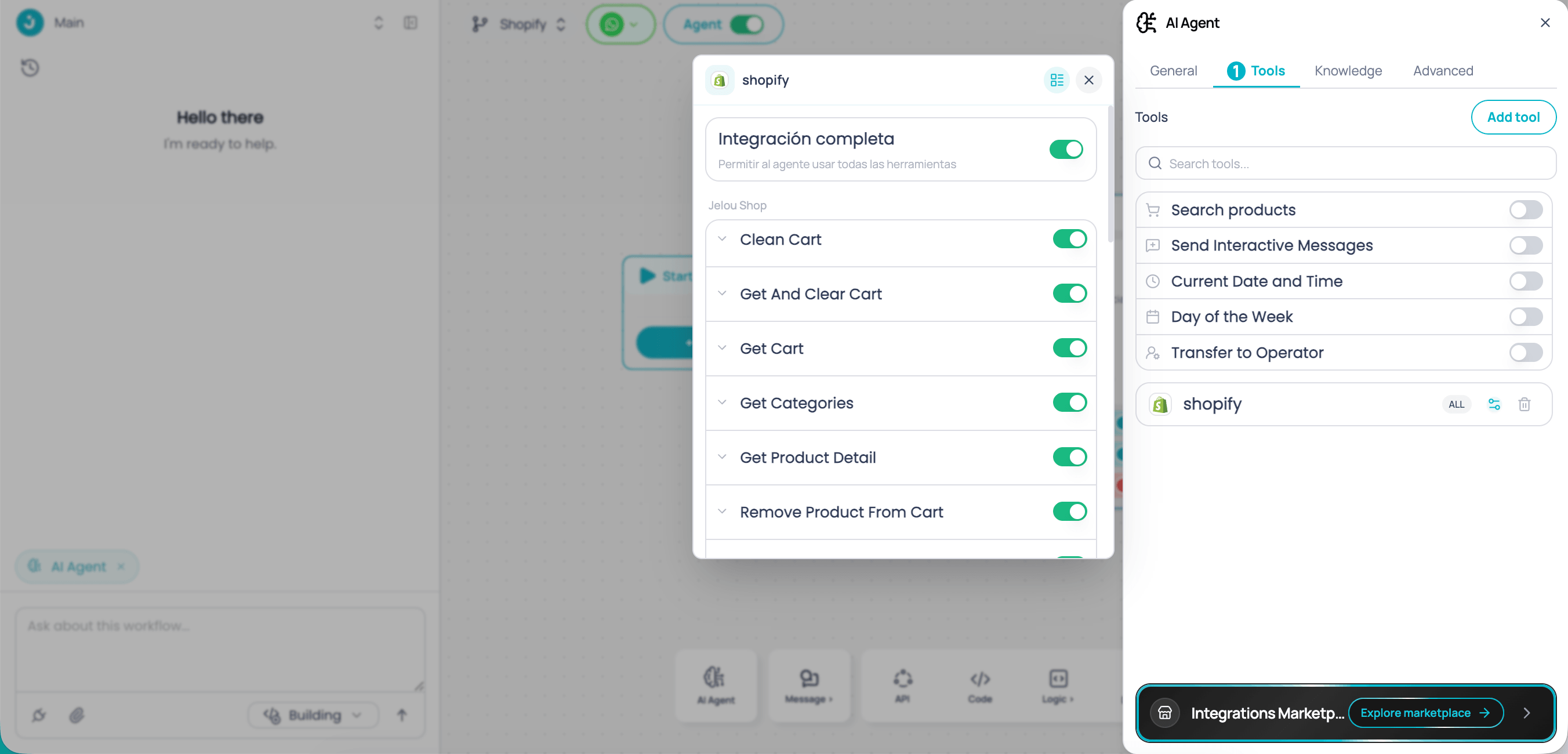
Connect your store
1
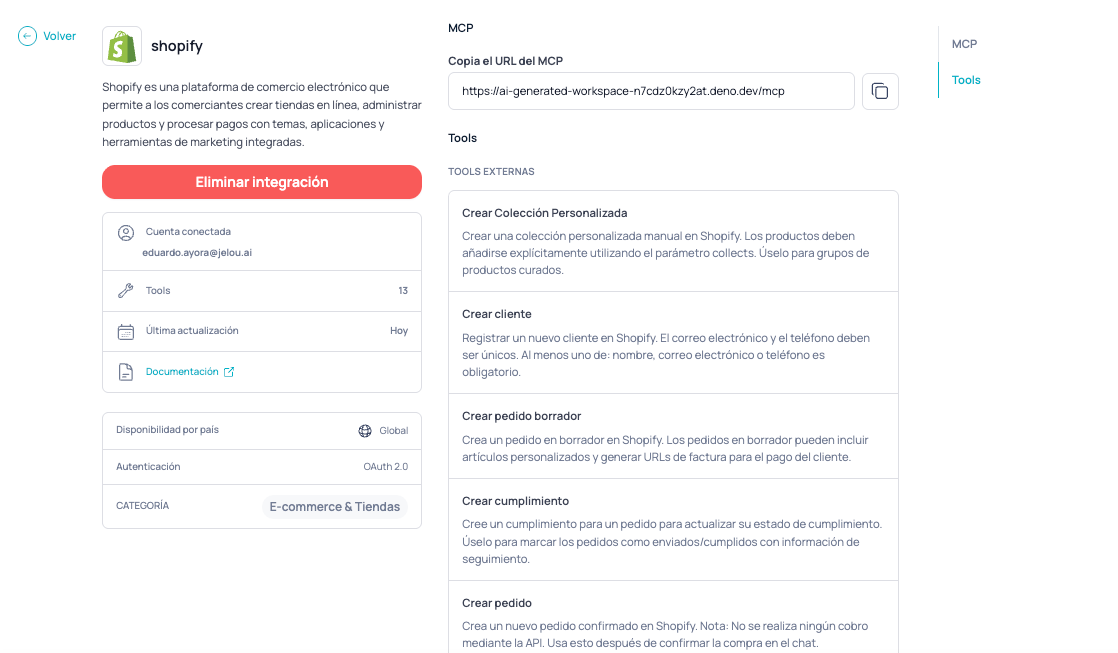
Open Shopify in the Marketplace
In the Jelou Marketplace, search for and select Shopify in the catalog.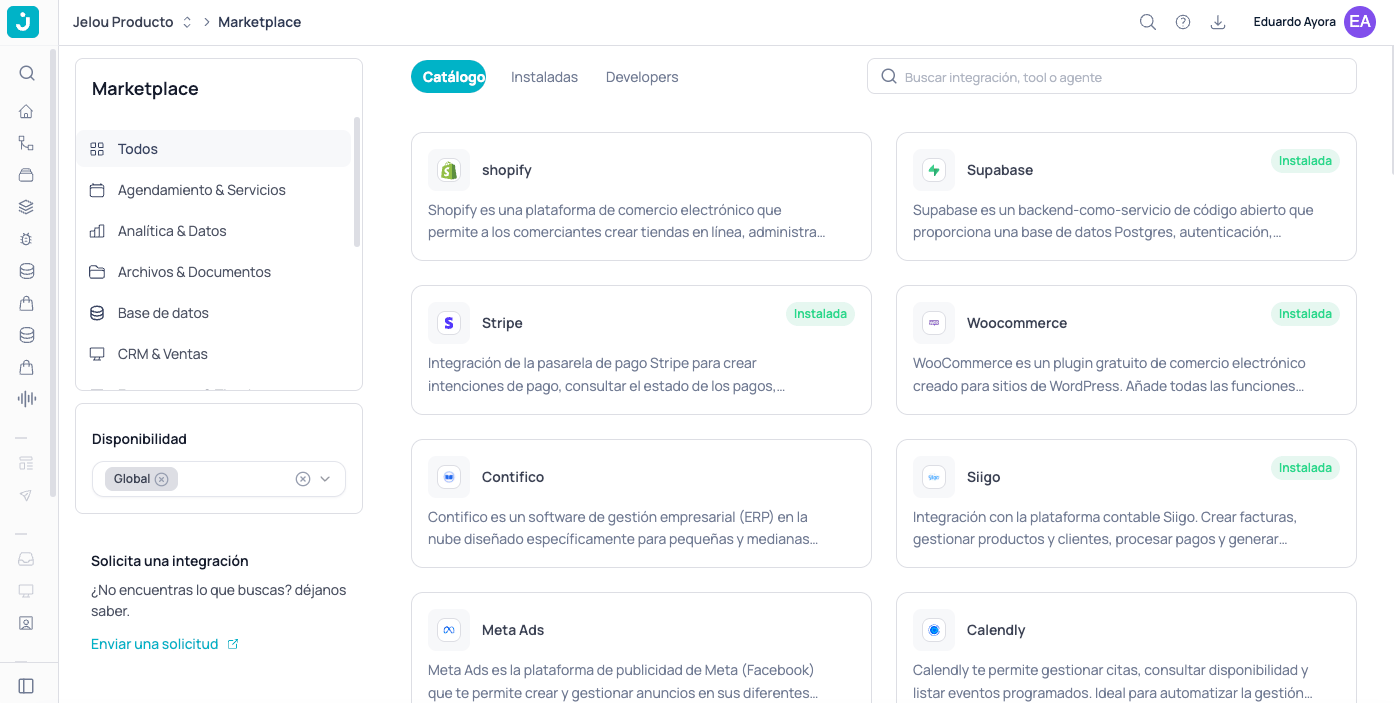
2
Click Connect
On the integration page, click Connect.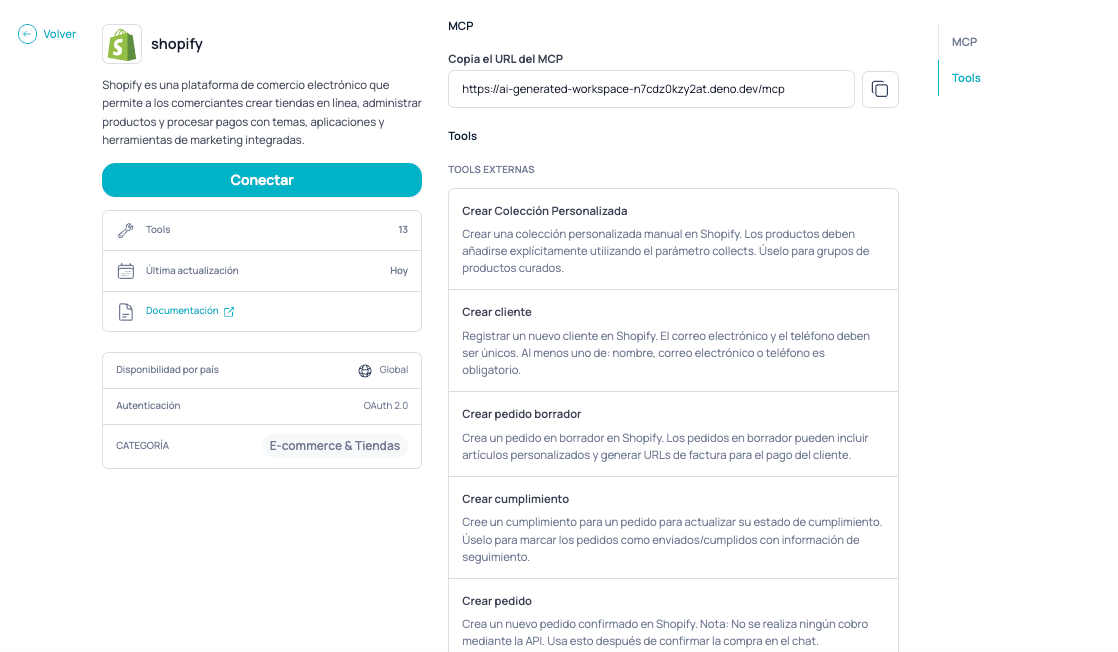
3
Select your store in Shopify
Log in to Shopify and choose the store you want to connect.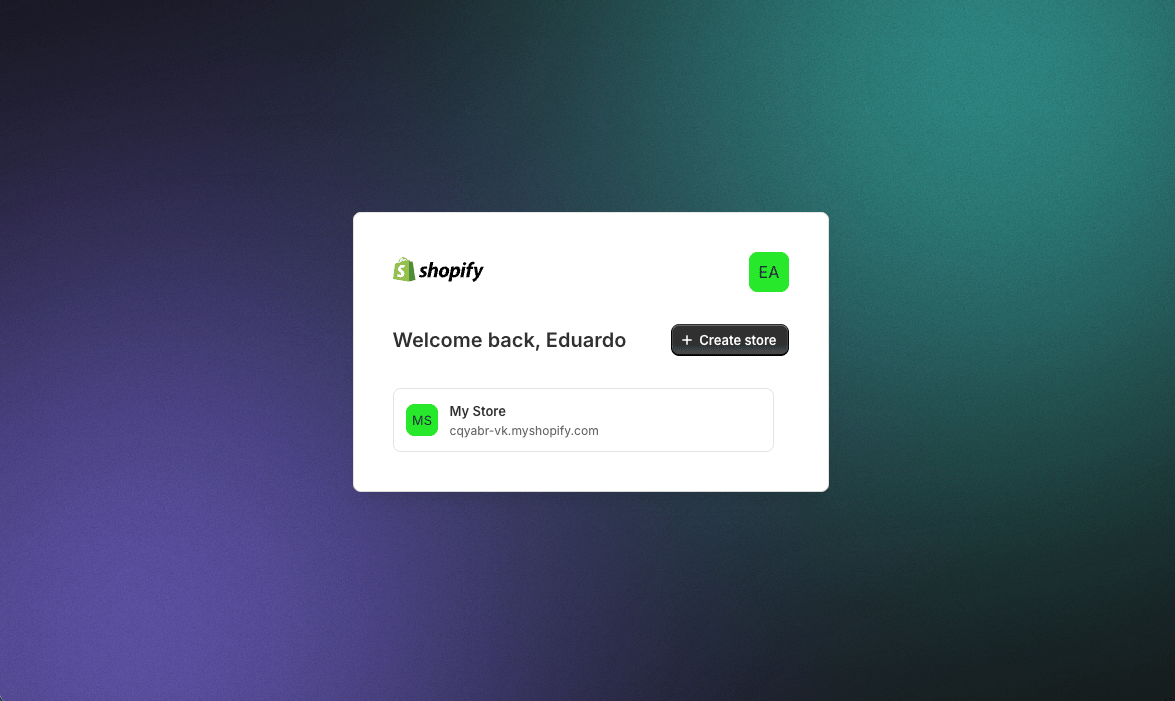
4
Authorize the Jelou Commerce app
Review the requested permissions and click Install to install the Jelou Commerce app in your store.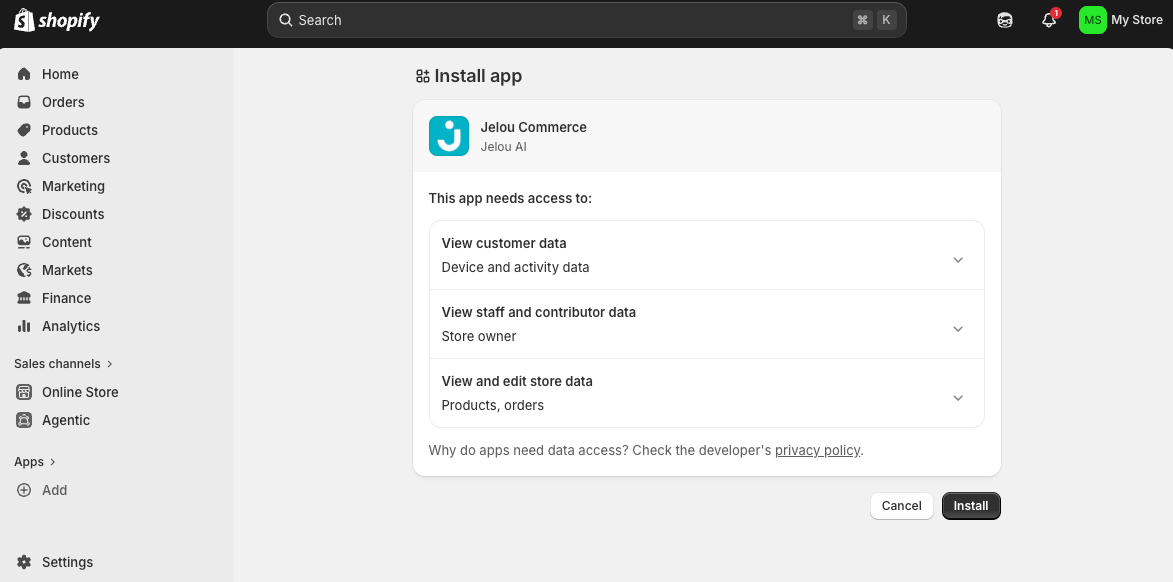
5
Confirm the authorization
You will see the Authorization successful! message. Close the window and return to Jelou.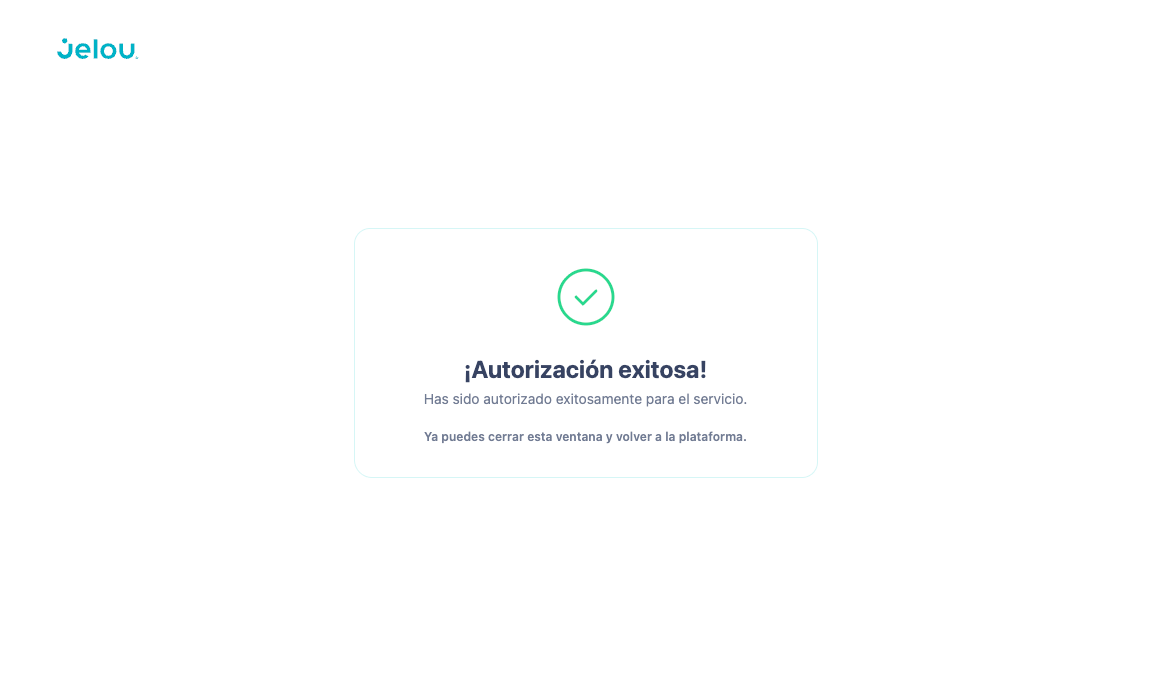
Native checkout in your store
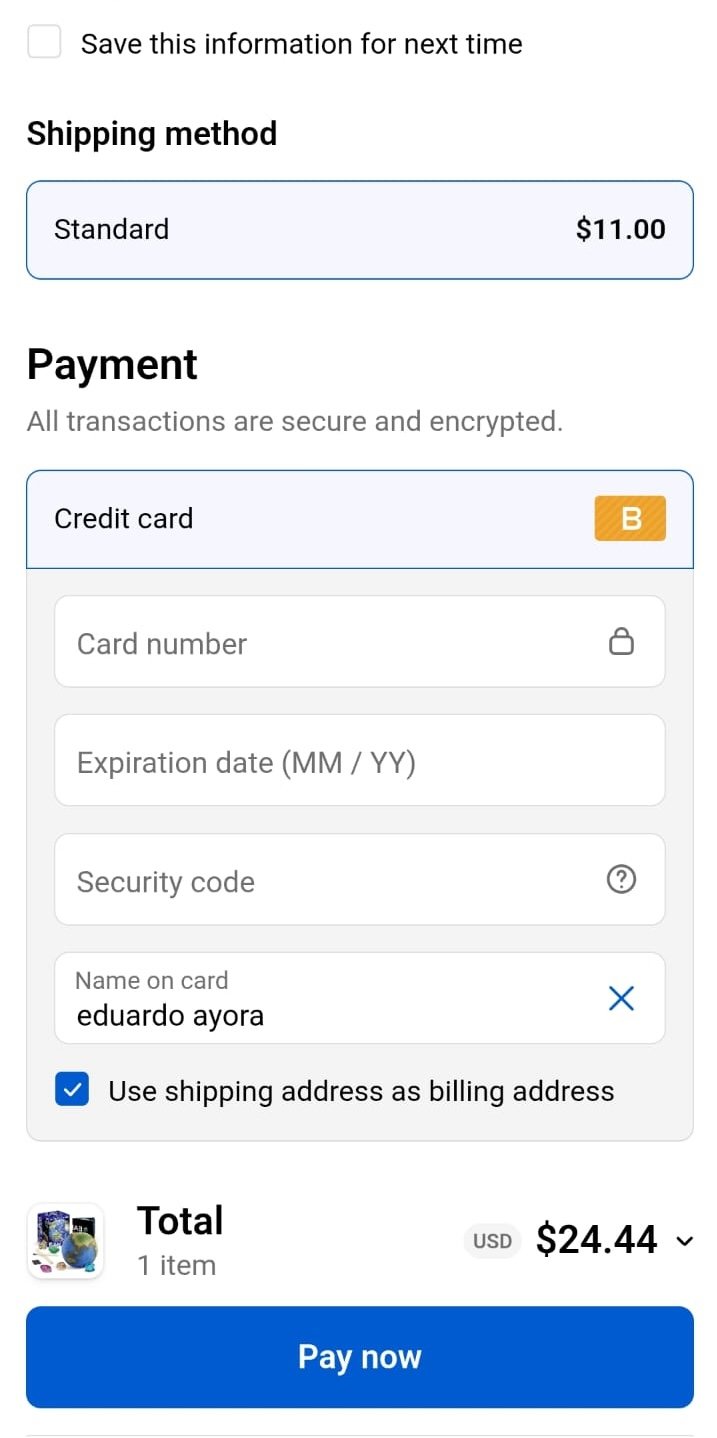
If you prefer the payment to be completed in your own Shopify store instead of the Jelou payment flow, enableuse_external_checkout: true when running the get_and_clear_cart tool. Jelou generates a Shopify cart permalink and returns it in checkout_url so the user can finalize the purchase in your store’s official checkout.
View example response
View example response
Next step
Once your store is connected, choose how you want your customers to interact with the products:WebView interaction
Send catalogs and carts as interactive webviews inside WhatsApp
Conversational interaction
The AI agent describes products and manages the cart directly in the conversation