Setup
1
Request activation from Jelou
To activate Google Ads tracking in your account, you must send an email to [email protected] requesting activation of Google Ads tracking for your organization.The email must include the organization name for which you want to activate tracking and must be sent from the email address of the owner of that organization.
2
Request Google whitelisting (CTM Allowlist)
Submit an allowlist/whitelisting request to Google using the CTM Allowlist Request Form.
Campaign setup
Here is a guide on how these campaigns are configured:1
Select the objective and campaign type
Start a new campaign, select Leads as the objective and choose Search or Performance Max as the campaign type.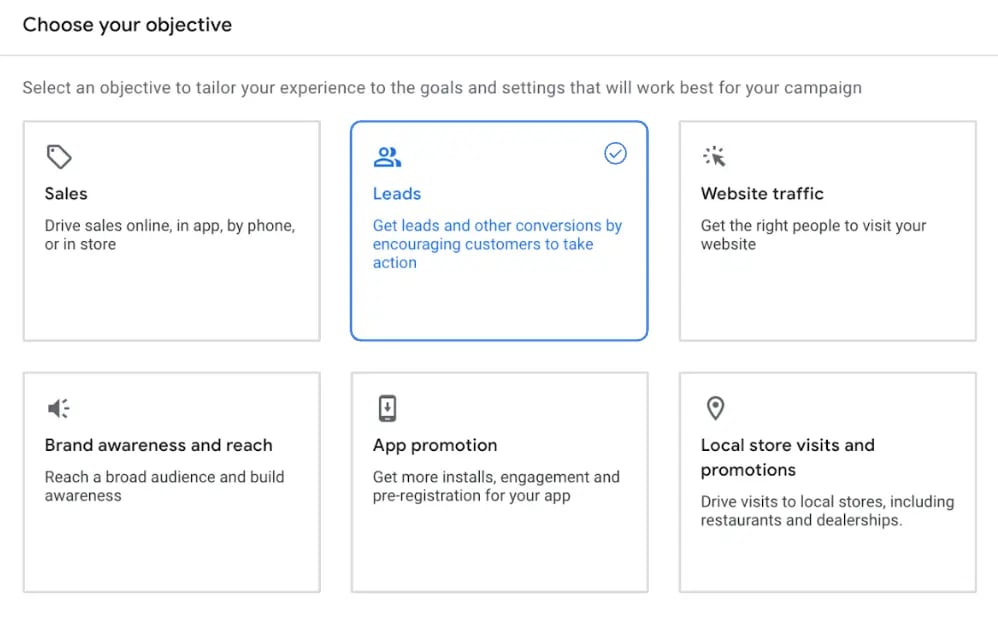
2
Define the campaign goal
In the section on how you want to achieve your objective, select only Messages from your ads as your sole campaign goal.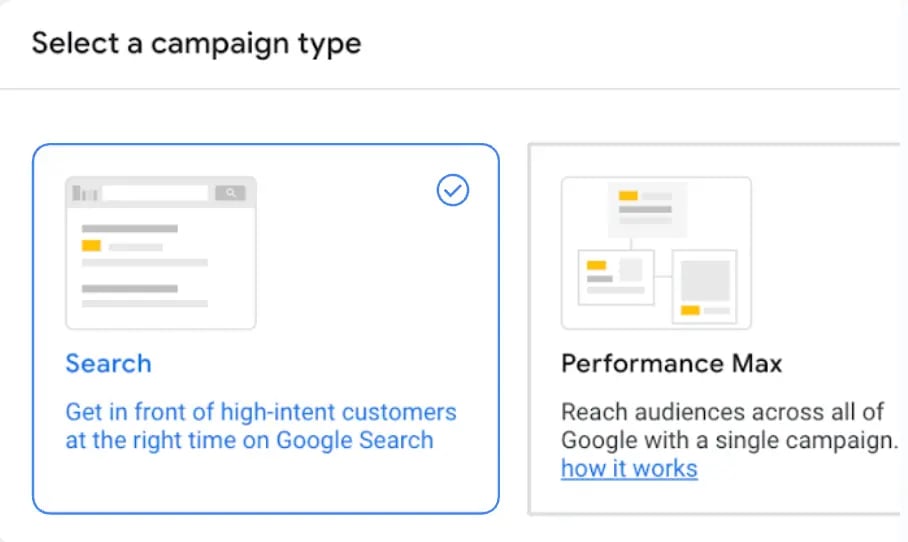
3
Create and configure the Message Asset
Create a new Message Asset. Make sure you only have Message and Image Assets for the campaign.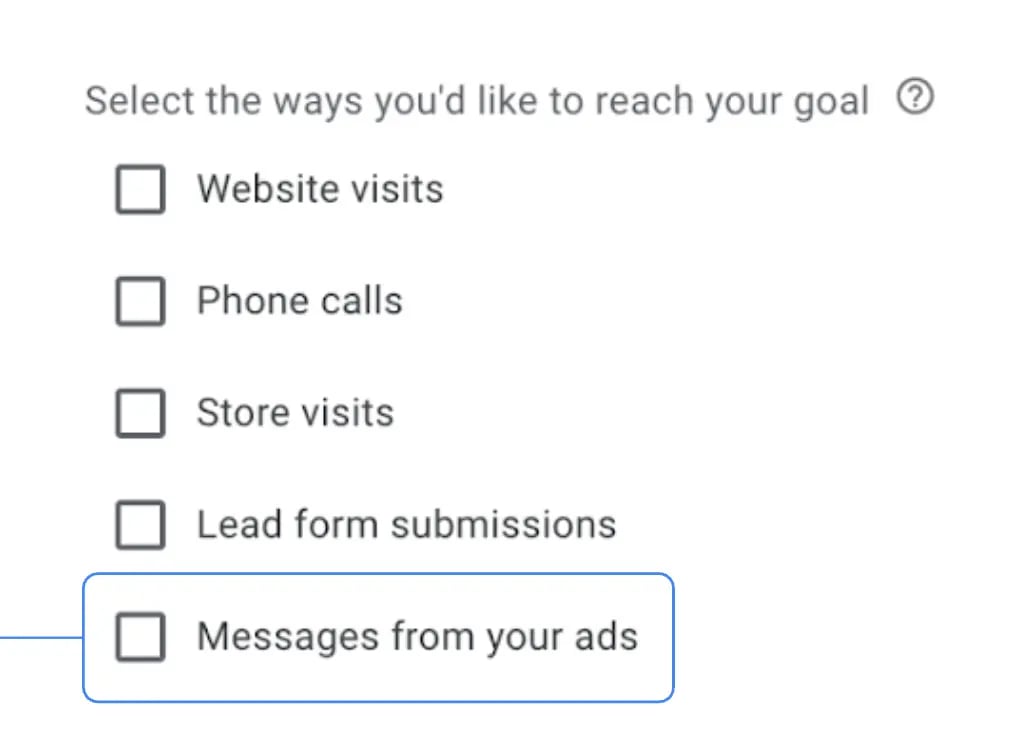
4
Complete the message details
You will be asked to add:
- WhatsApp phone number
- Starter message
- Select a call to action
Track conversions
When a conversation arrives from a Google Message Ad, the following variables will automatically be inserted into memory:How it works
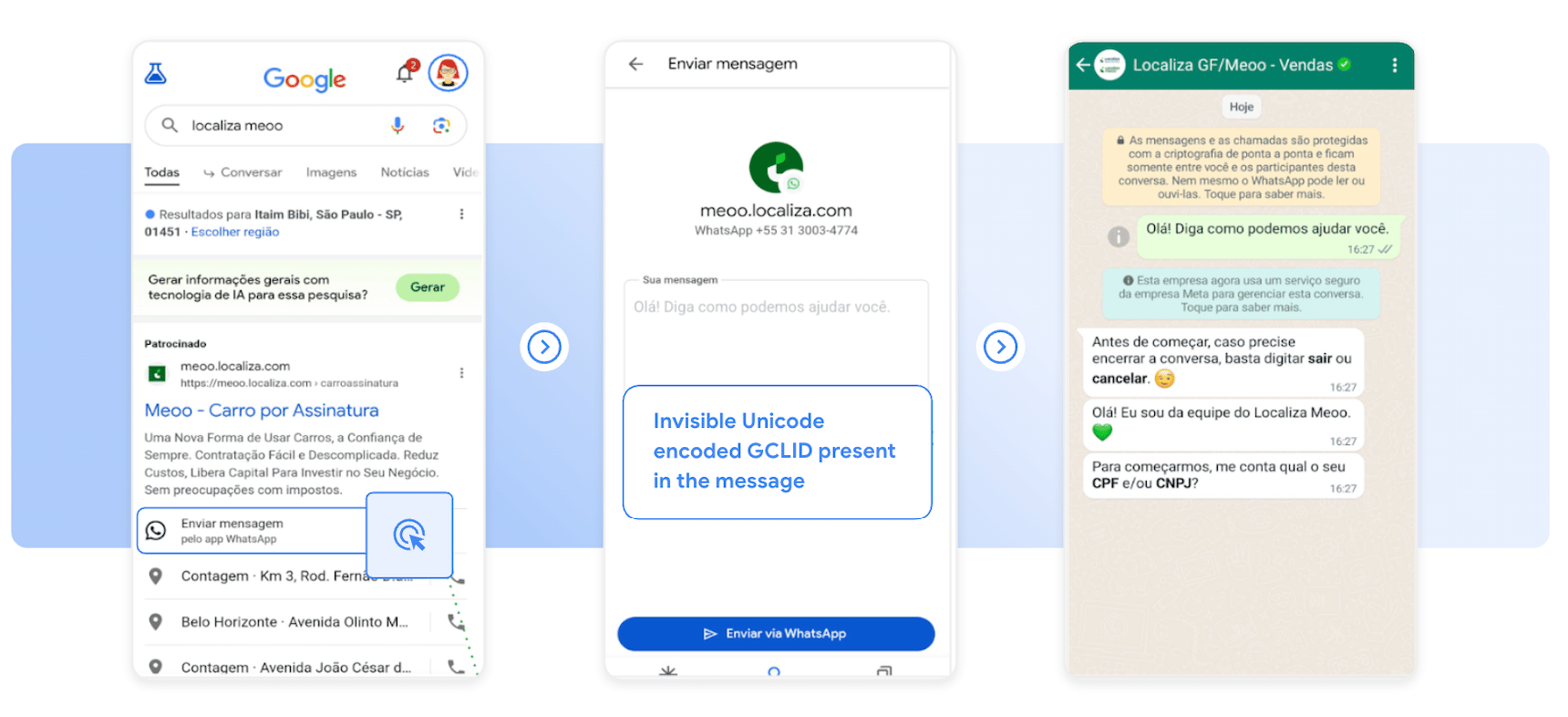
Google Ads tracking in Jelou allows you to attribute WhatsApp conversations to your ads automatically. When a user clicks on your ad in Google Search, they are redirected to WhatsApp with a pre-filled message that includes an invisible GCLID (Google Click ID) encoded in Unicode. Once the user sends that message, Jelou detects and processes this hidden identifier to link the interaction directly to your advertising campaign.