
POST request to the URL you register, which lets you move each call’s outcome into your CRM, your data warehouse, or any internal flow without having to check the log manually.
They’re in the Webhooks tab of Voice.
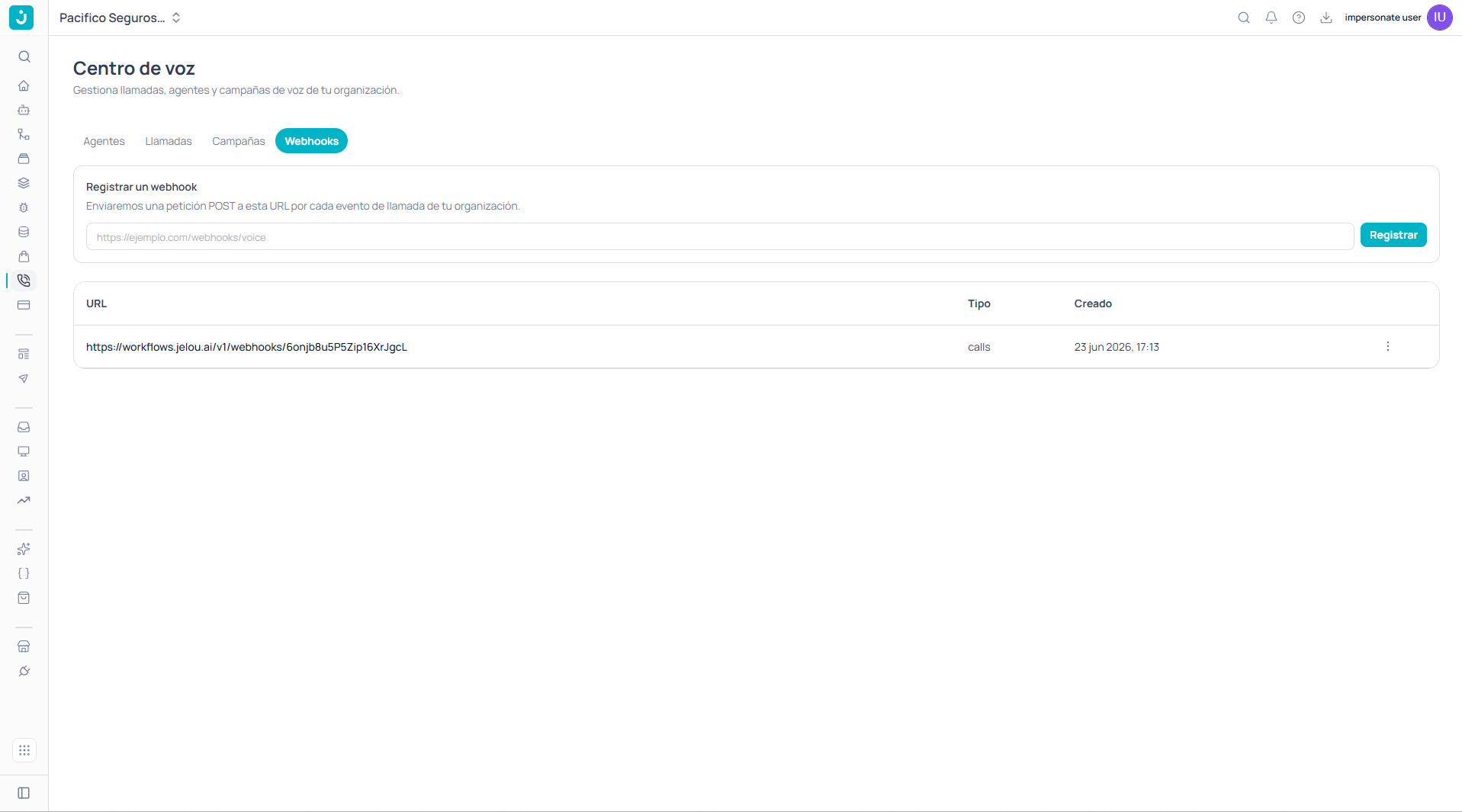
Webhooks tab with one registered URL
Registering a webhook
You paste your endpoint’s URL into the field and confirm with Register. Jelou will send aPOST request to that URL for every call event in your organization.
The table below lists the webhooks already registered with three values:
The scope is the whole organization, not a specific agent or number. A webhook registered here receives call events from all your agents.
Preparing your endpoint
Your endpoint must acceptPOST requests with a JSON body and respond quickly. A few considerations that apply to any webhook receiver:
Respond before processing. Return a success response as soon as you receive the event and do the heavy work asynchronously. If your endpoint is slow, you risk retries and duplicates.
Design for idempotency. The same event can arrive more than once after a temporary failure. Use the call or conversation identifier to recognize what you already processed.
Use HTTPS and don’t rely on the URL being secret. The panel exposes no signing secret and documents no verification header, so the URL is the only thing separating your endpoint from the outside. Protect it yourself: use a hard-to-guess path, restrict access by IP if your architecture allows it, and treat everything you receive as untrusted until you validate it against your own data.
If you need cryptographic verification of the origin, confirm it with the Jelou team before building on this webhook: there is no signing mechanism documented on this screen.
What to do with the events
The end-of-call event is the natural point to close the loop with your systems: recording the outcome of the contact, updating a case status, or triggering the next step of a process. If you’ve defined evaluation criteria and data collection on the agent, that analysis is what turns a call into a usable record: the reason for contact, the classification of the outcome, whether there was a transfer.From the CLI
jelou voice webhooks
List, inspect, create, and delete webhooks from the terminal, specifying the event type.