
Available for WhatsApp Cloud API and Gupshup numbers.
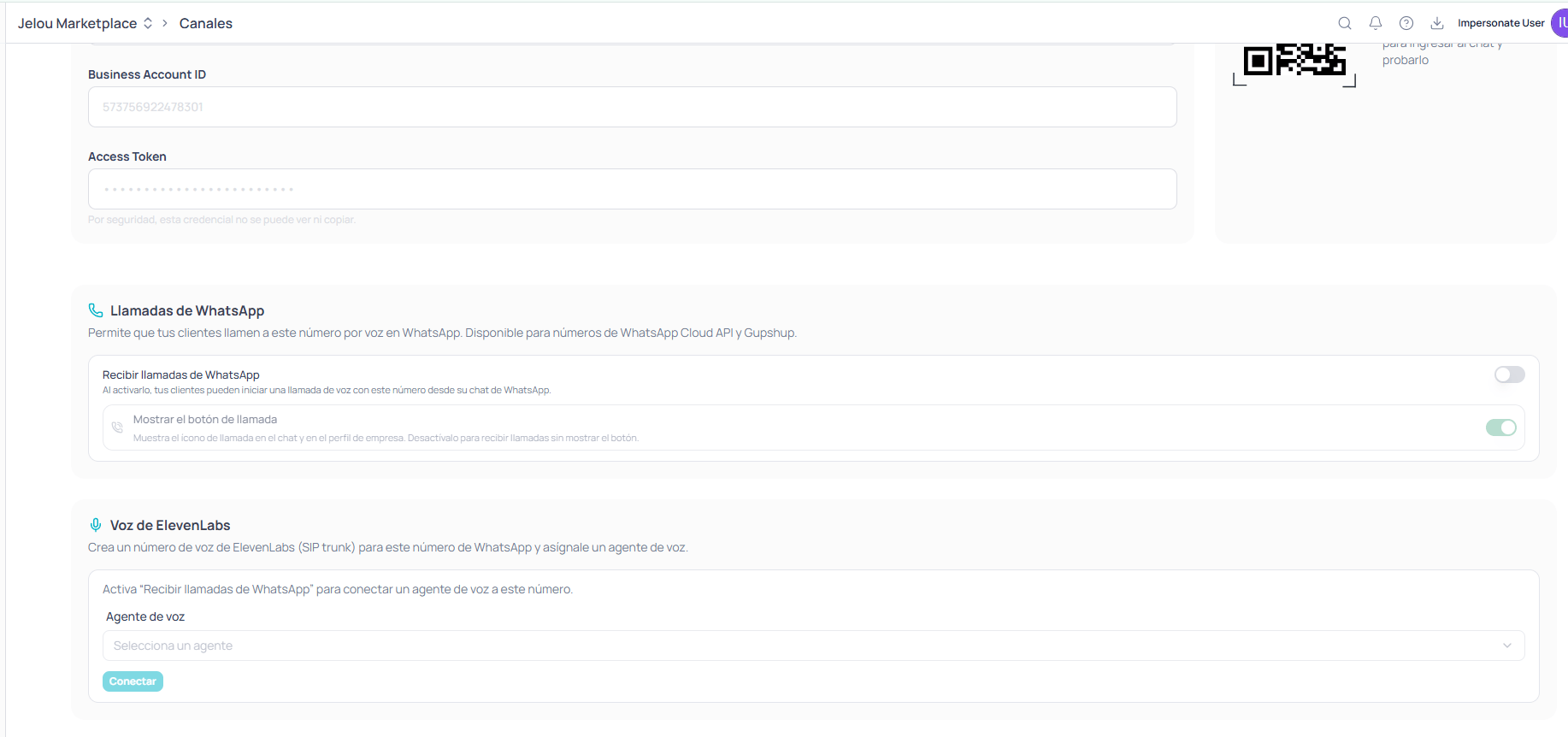
WhatsApp calling and ElevenLabs voice sections in the channel
Enabling calls
The WhatsApp calling section lets your customers call that number by voice on WhatsApp, and has two nested toggles.1
Receive WhatsApp calls
When enabled, your customers can start a voice call with this number from their WhatsApp chat. It’s the main toggle: without it, nothing else applies.
2
Show the call button
Displays the call icon in the chat and on the business profile. Turn it off if you want to receive calls without showing the button.
Connecting a voice agent
The ElevenLabs voice section creates an ElevenLabs voice number (SIP trunk) for this WhatsApp number and assigns a voice agent to it. Once calling is enabled, you pick the voice agent from the dropdown and confirm with Connect.The agent you connect here is one of those you already created in Voice. If you don’t have one yet, create it first: see Voice agents.
How it compares to a provisioned number
Both paths end in the same place — a voice agent answering calls — but they don’t serve the same purpose.After connecting
Calls that come in through WhatsApp are logged like any other, with their recording and transcript.Call log
Review the direction, status, duration, and credits of every call.