
Open advanced settings
1
Open the screen
Go to Settings > Advanced settings in the side menu. The screen opens on the Global tab.
2
Pick a tab
Select Global, Channel, or Team depending on what you want to configure.
3
Pick a channel or a team
On the Channel and Team tabs, use the selector in the header to choose the channel or team. The Global tab has no selector.
- The channel selector remembers the last channel you picked.
- The team selector shows the first team in the list by default.
Autosave
There’s no Save button: each option saves on its own. Next to the option you’ll see the save status:Global tab
Options on this tab apply to the whole company.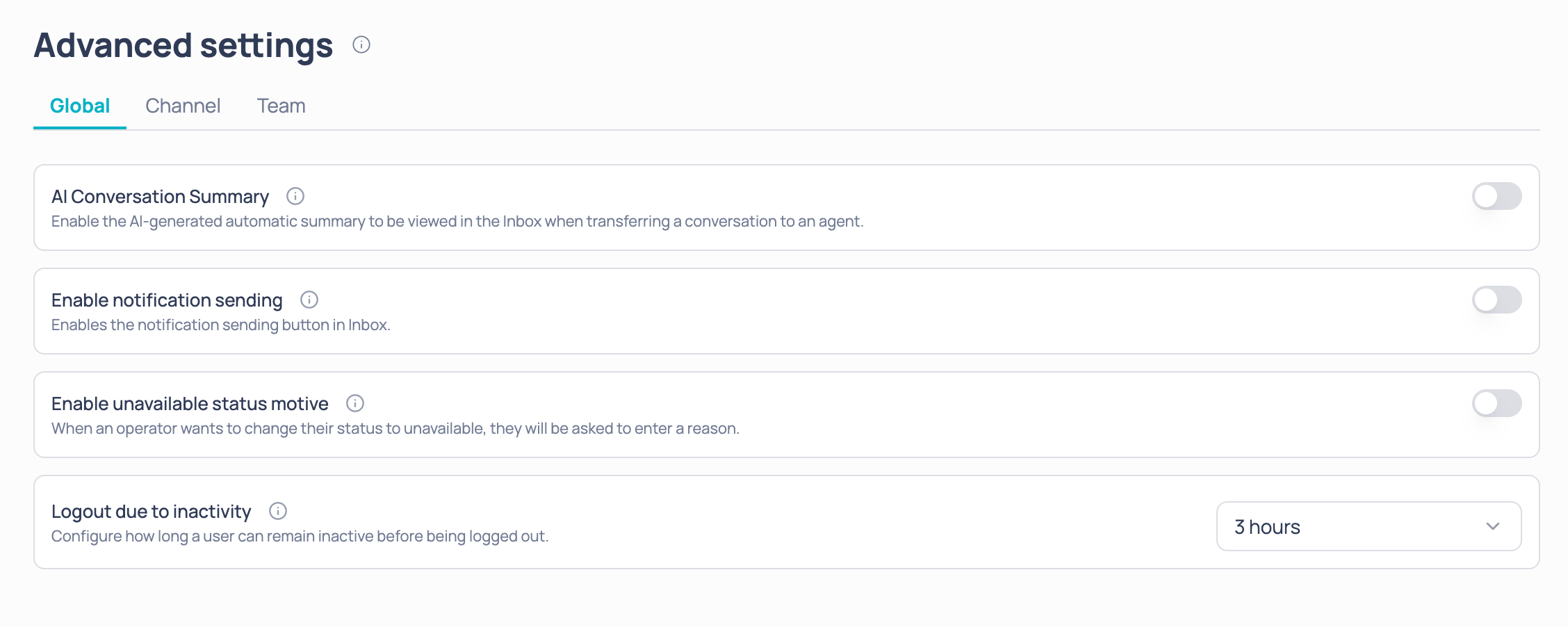
Channel tab
Options on this tab apply only to the channel you picked in the selector.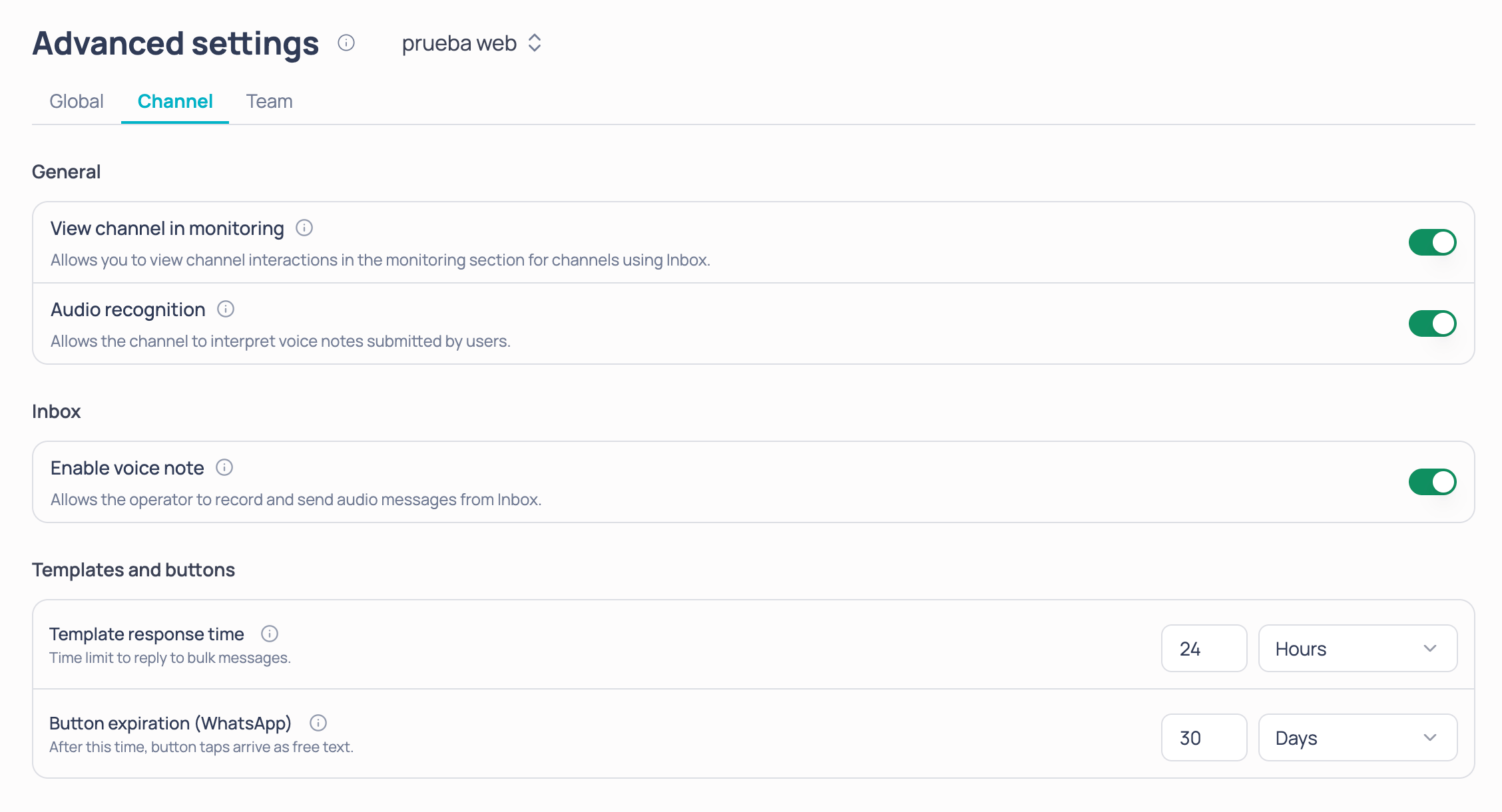
General
Inbox
Templates and buttons
Team tab
Options on this tab apply only to the team you picked in the selector.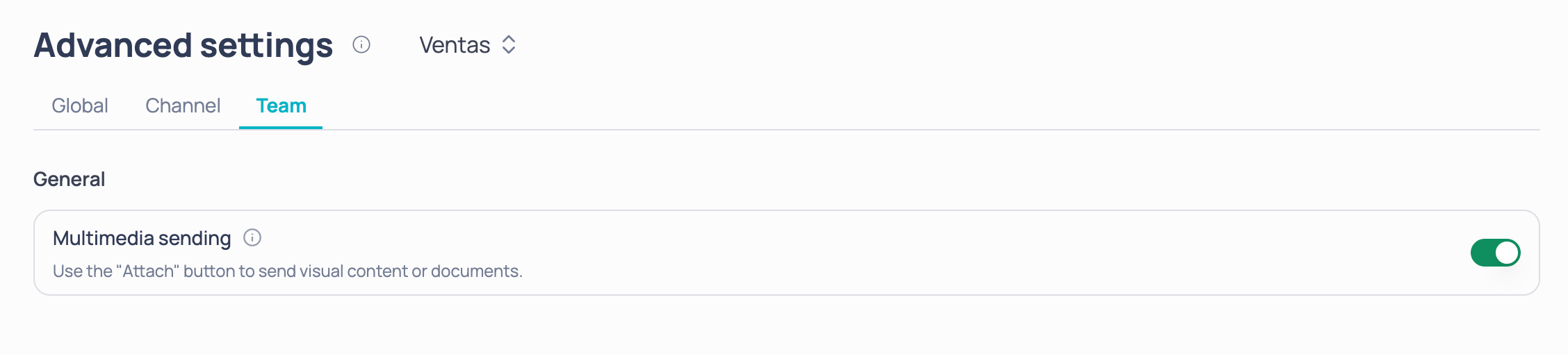
If you have no channels or teams
If your company doesn’t have channels or teams yet, the matching tab prompts you to create them:AI conversation summary
How to generate and read the summary in the Inbox.
Unavailable reasons
How operators say why they’re unavailable.