
Creating a record
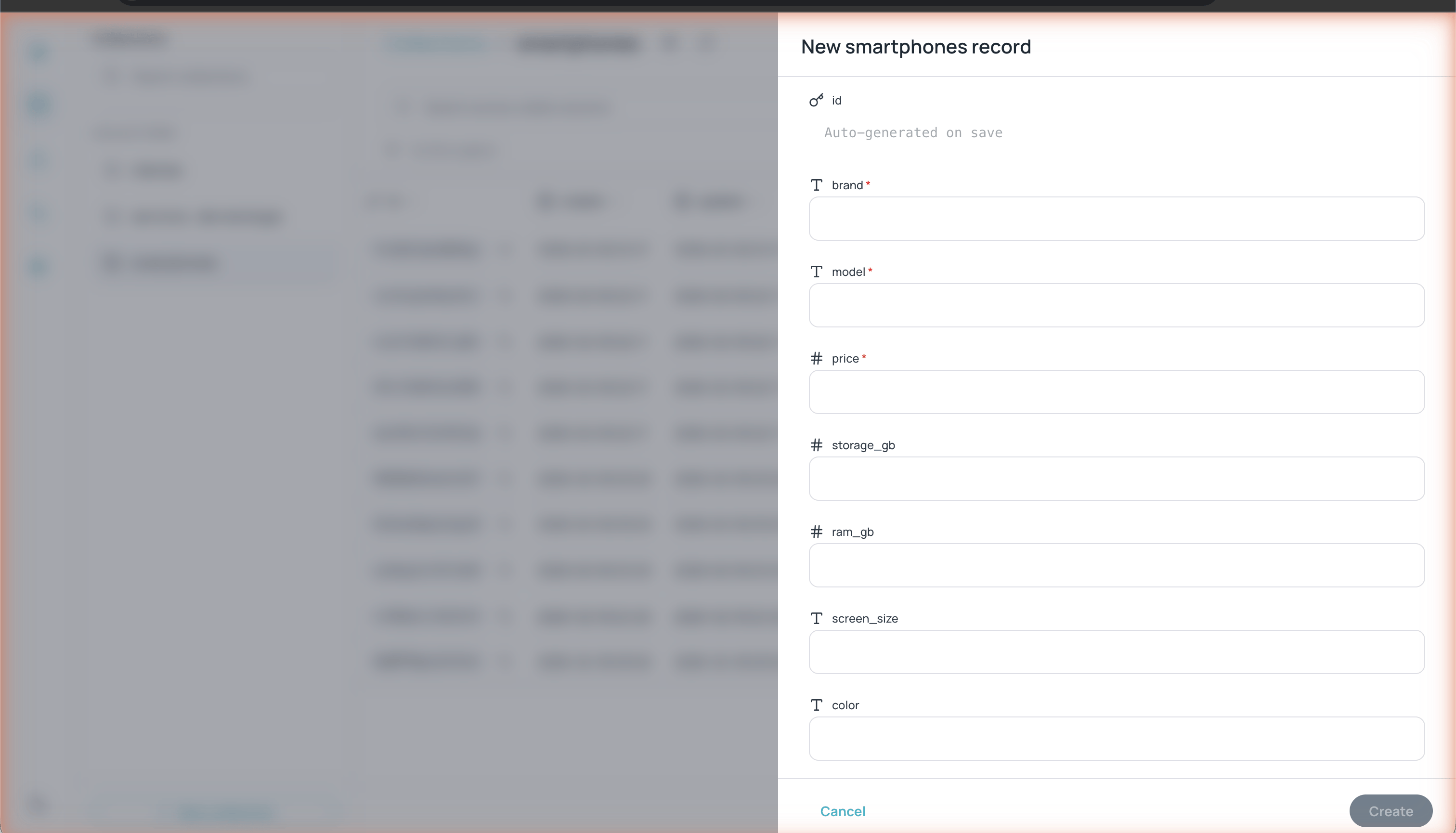
Form for creating a new record with typed fields
1
Open the collection
Select the collection where you want to add a record from the left sidebar.
2
Click + New record
The button is located in the upper-right corner of the collection view.
3
Fill in the fields
The form shows all the collection’s fields with their types. Fields marked with
* are required. The id field is generated automatically when you save.4
Click Create
The record is created and appears in the collection table.
Editing a record
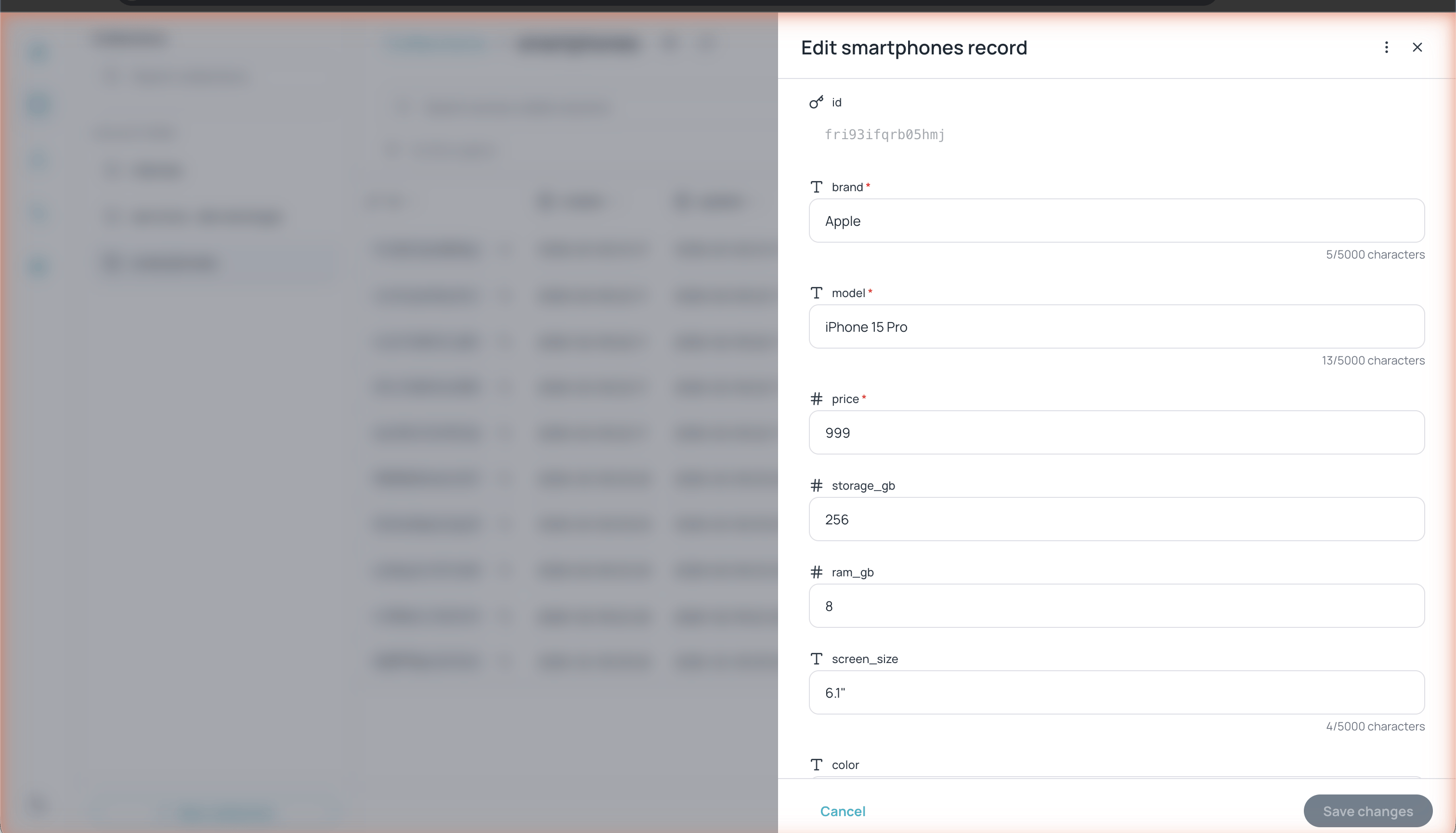
Record editing panel with fields and character counter
5/5000 characters) so you can control content length.
Duplicating and deleting records
Inside the record editing panel, click the ⋮ menu (upper-right corner) to access:- Duplicate — Creates a copy of the record with a new ID
- Delete — Permanently deletes the record
Searching records
Use the search bar at the top of the table (Search across visible columns) to search text in all visible columns. You can also use the Cmd/Ctrl+K shortcut to focus the search and Cmd/Ctrl+N to open the new record form.Advanced filters
Click the filter icon (funnel) next to the search bar to open the Advanced filters panel.1
Configure the logic
Choose between AND (all conditions must be met) or OR (at least one condition must be met).
2
Add conditions
Click + Add and configure each condition with:
- Field — Select the field to filter
- Operator — Choose the comparison operator
- Value — Enter the value to compare
3
Apply the filters
Click Apply filters to see the filtered results.
Operators for other field types
Operators for other field types
The operator names are shown in English in the interface.
Sorting records
Click any column header to toggle the sort order of records:- First click: ascending order (A→Z, 0→9)
- Second click: descending order (Z→A, 9→0)
- Third click: no specific order
Exporting records
Click Export in the upper-right corner to open the Download as menu and choose the format: CSV (.csv) or Excel (.xlsx), when available. The export respects active filters, letting you export only a subset of data.Pagination
The table displays paginated records. In the lower-right corner you can:- See how many records there are in total (e.g. “1 - 10 of 10”)
- Navigate between pages with the previous and next arrows
- Change the number of rows per page with the row selector
Batch Operations
When you enable Batch operations in the database settings, selecting records shows an actions bar at the bottom with:- The number of selected records and a Clear button (or the
Esckey). - Export — Downloads the selected records as JSON, CSV, or TSV.
- Delete — Deletes the selected records (with confirmation).
Batch export includes the selected records from the current page. If you selected records on other pages, the interface will ask you to load them first.
API Preview
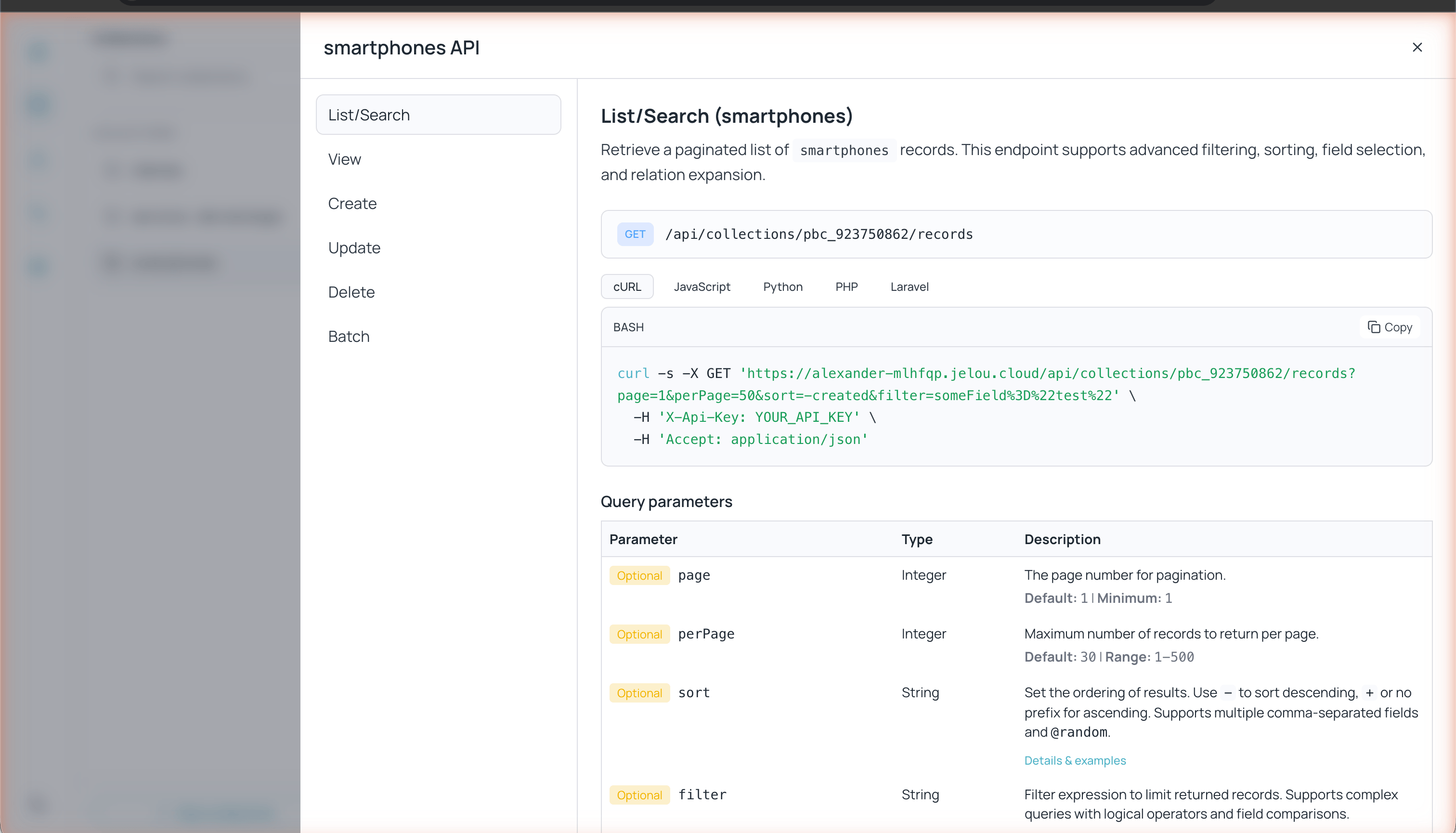
API preview with code examples for the current collection
- List/Search — List and search records with filters, sorting, and pagination
- View — Get a record by ID
- Create — Create a new record
- Update — Update an existing record
- Delete — Delete a record
- Batch — Batch operations