
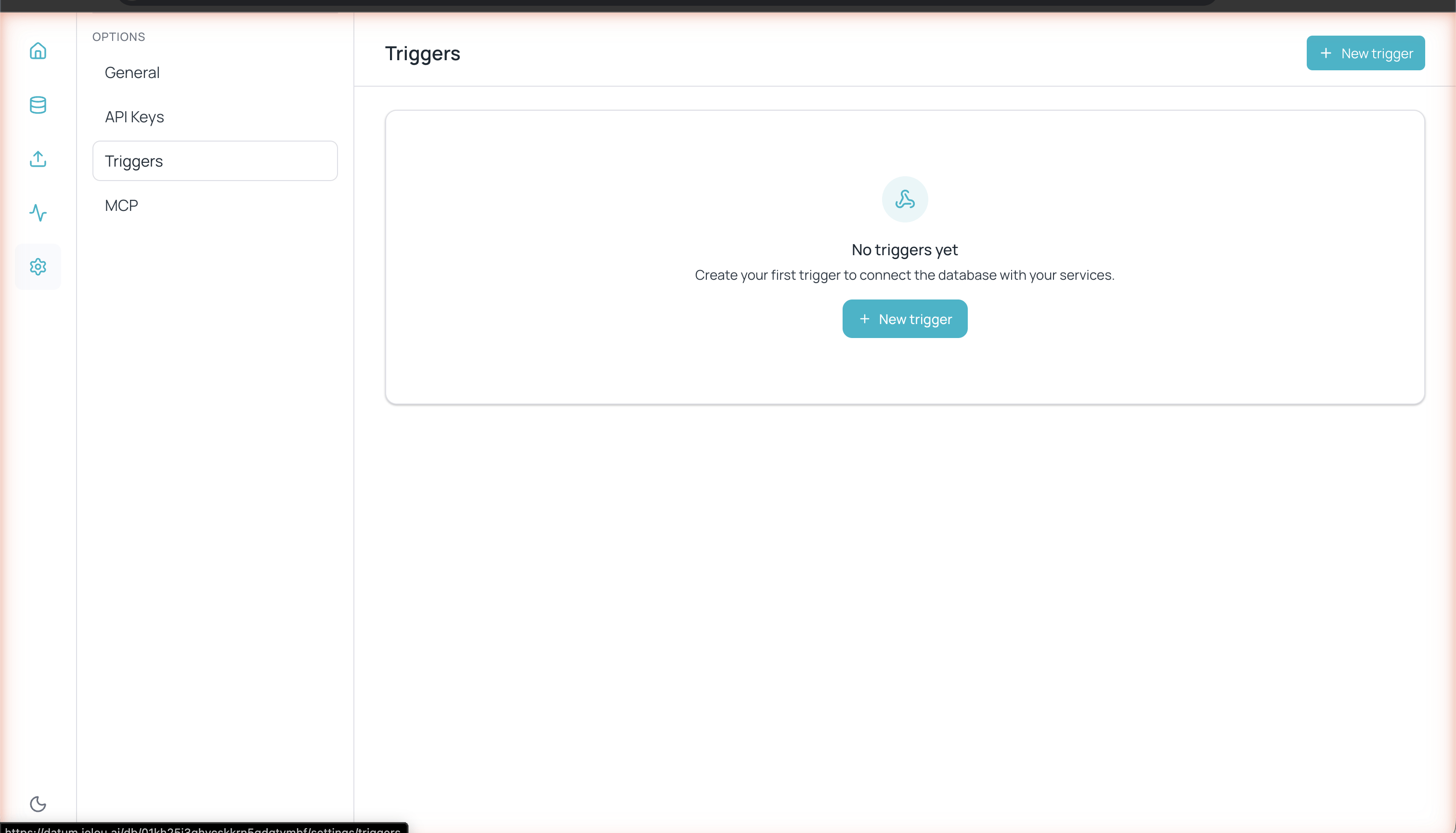
Triggers section in Databases settings
Creating a trigger
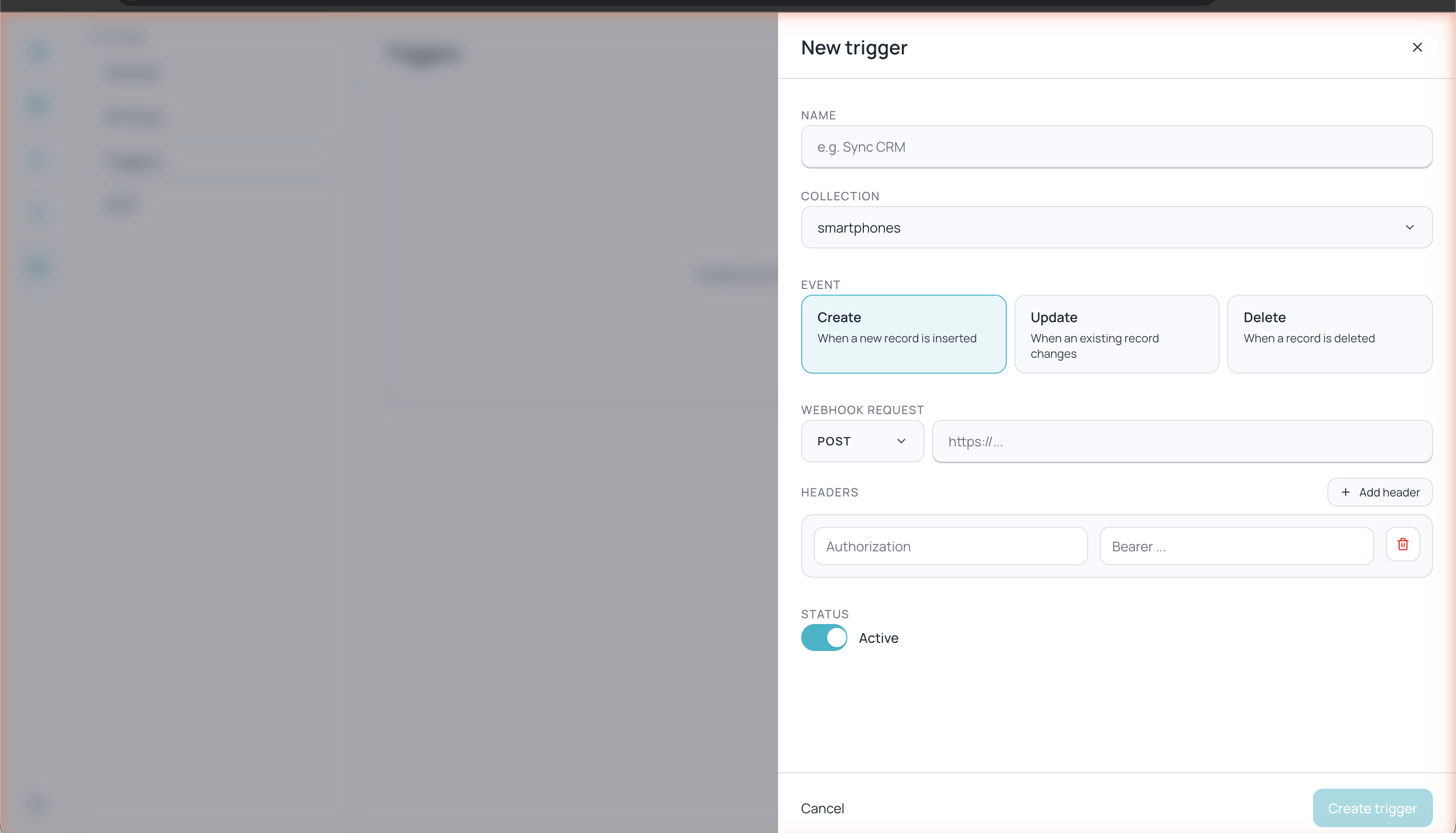
Form for creating a new trigger with events and webhook configuration
1
Go to Triggers
Navigate to Settings > Triggers from the left sidebar.
2
Click + New trigger
The button is located in the upper-right corner.
3
Configure the trigger
Fill in the following fields:
- Name — A descriptive name (e.g. “Sync CRM”, “Notify new order”)
- Collection — The collection you want to monitor
- Event — The type of event that fires the webhook
- Update scope — Only for the Update event: fires on any column or only specific columns
- Webhook Request — The HTTP method and destination URL
- Headers — Custom headers for the request
- Status — Enable or disable the trigger
4
Click Create trigger
The trigger activates immediately if the status is set to Active.
Available events
Update scope
When the event is Update, an additional Update scope control appears with two options:
When you choose Specific columns you must select at least one column. The Create and Delete events always use “any column” and don’t show this control.
Webhook configuration
HTTP method
Select the appropriate HTTP method for your endpoint:Webhook URL
Enter the full URL of the endpoint that will receive the notification (e.g.https://your-api.com/webhooks/databases).