
Logs screen
Go to Settings > Audit logs. There you will find the date range selector, the Refresh button, a search bar with filters and the table with all the logs. Clicking a row opens the detail panel.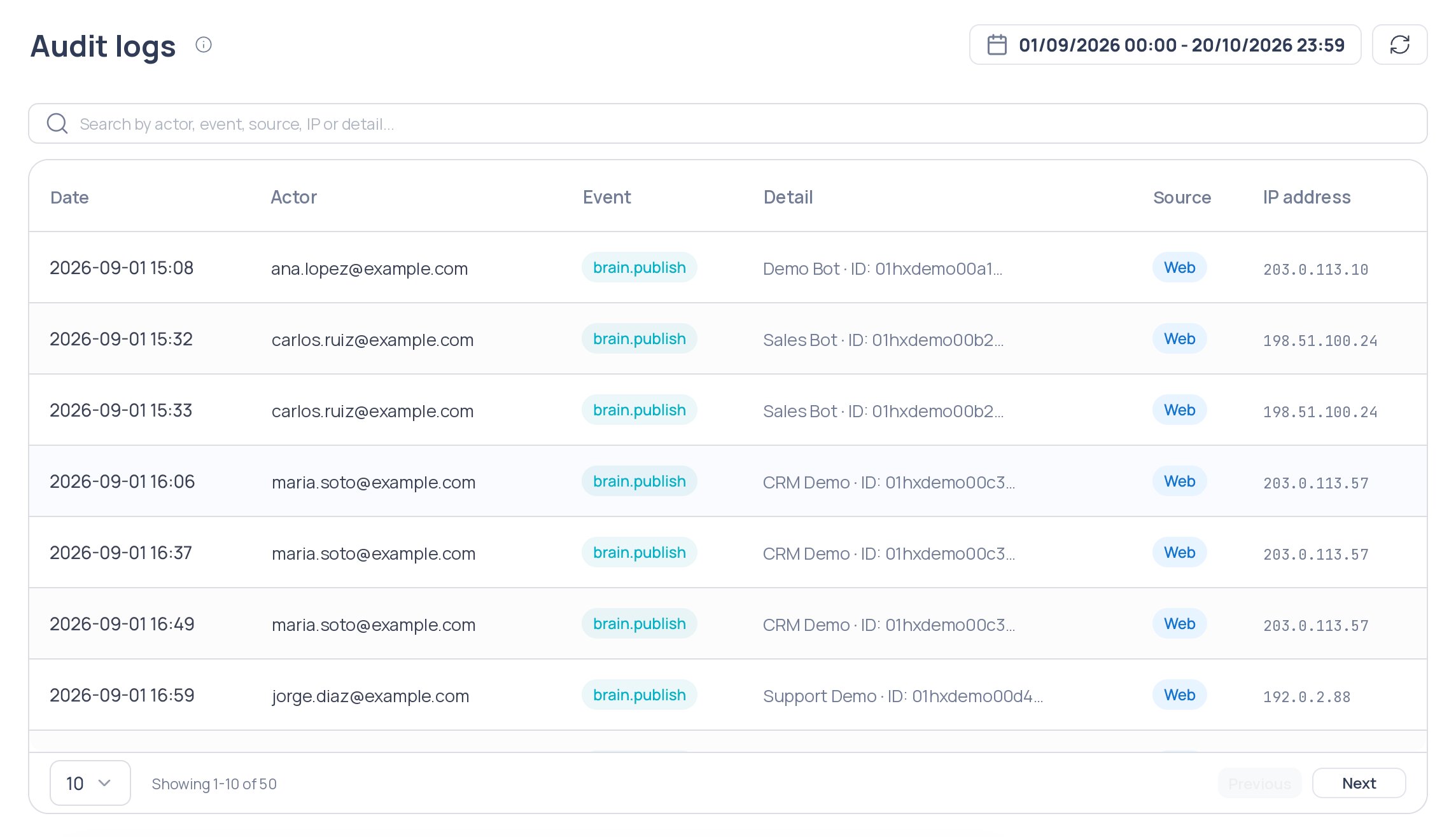
Settings > Audit logs
Date range
By default the whole current day is shown (00:00 to 23:59) in your time zone. To change it:1
Open the selector
Click the date selector in the header.
2
Choose the range
Select the start and end dates and times. You can’t pick future dates.
3
Apply the range
Close the selector. The range is applied only if you changed it.
Refresh
Click Refresh to query the logs of the selected range again. Logs also refresh every time you enter the section.Logs table
The table has no actions column: click any row to see its detail.
If there are no logs, you will see “No records found for the selected period”.
Search and filter
The search bar combines three criteria, shown as chips:
Filters are combined (all of them must match). Each type accepts a single value: a new chip replaces the previous one. Use the clear button to remove them all.